Logging In and Out
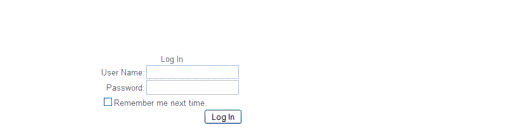
When your CMS user account is created by your system administrator, you will receive a username and password for logging into the system, as well as the URL for the CMS login page. Upon entering the login URL into your browser, the Log In page will display (Figure 1).
Enter your username and password and click the Log In button.
To log out of the CMS, click the Log Out link at the top of any page.
If you are logged in to the CMS but remain inactive for 20 minutes, you will lose session and will be redirected to the Log In page the next time you begin working in the CMS.
|
Valence, L.L.C. 610 S. Peters Street New Orleans, LA 70130 http://www.valencellc.com http://facebook.com/WeAreValence Phone: (504) 214-1886 |